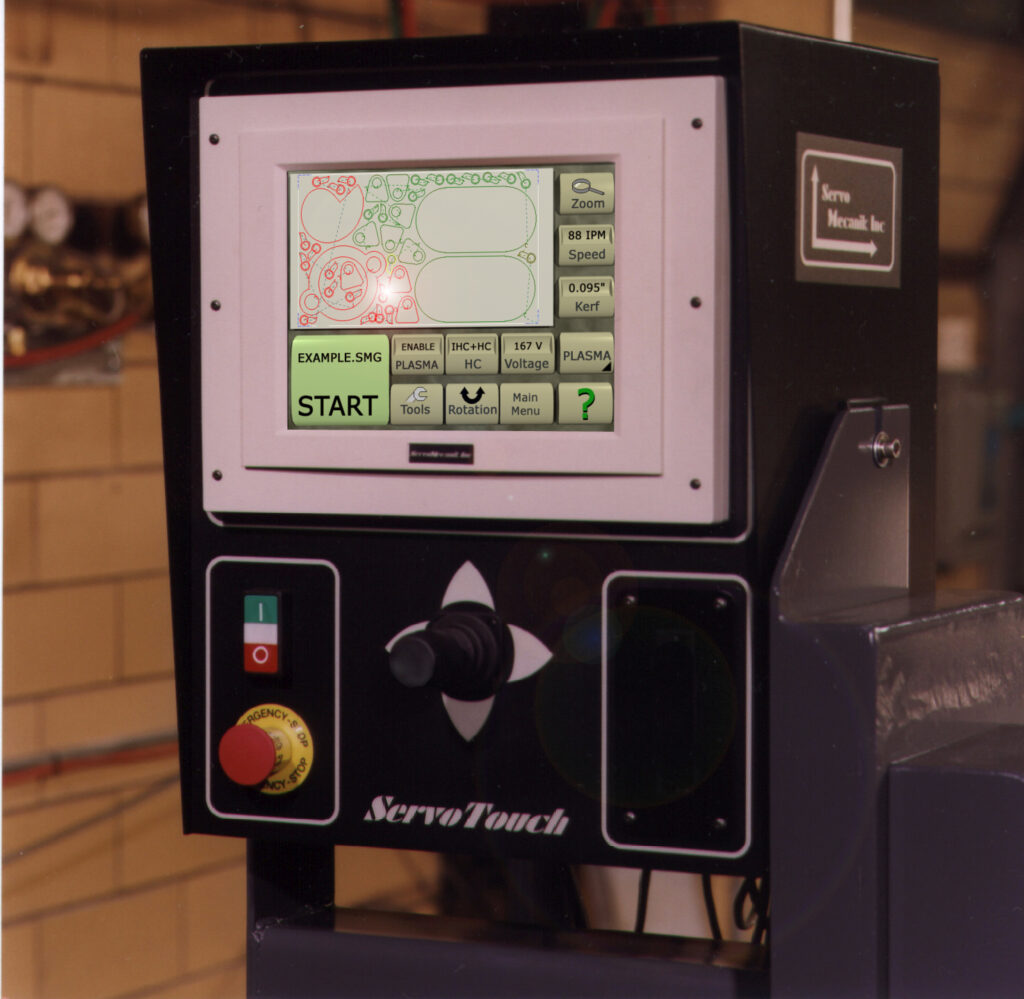
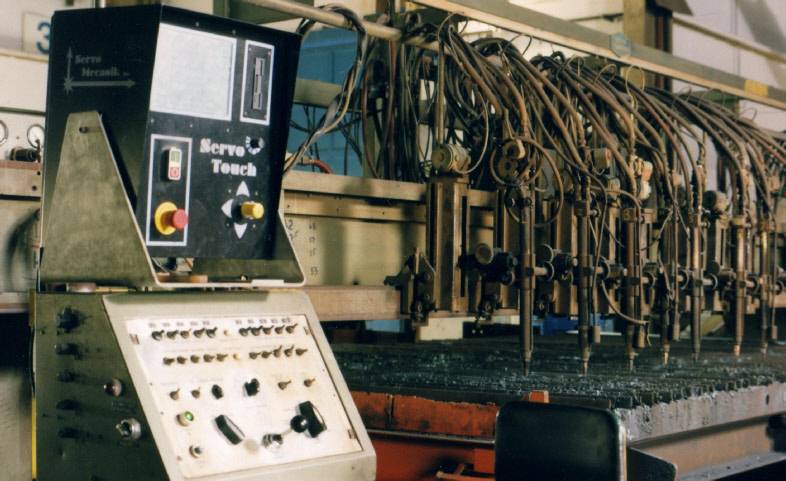
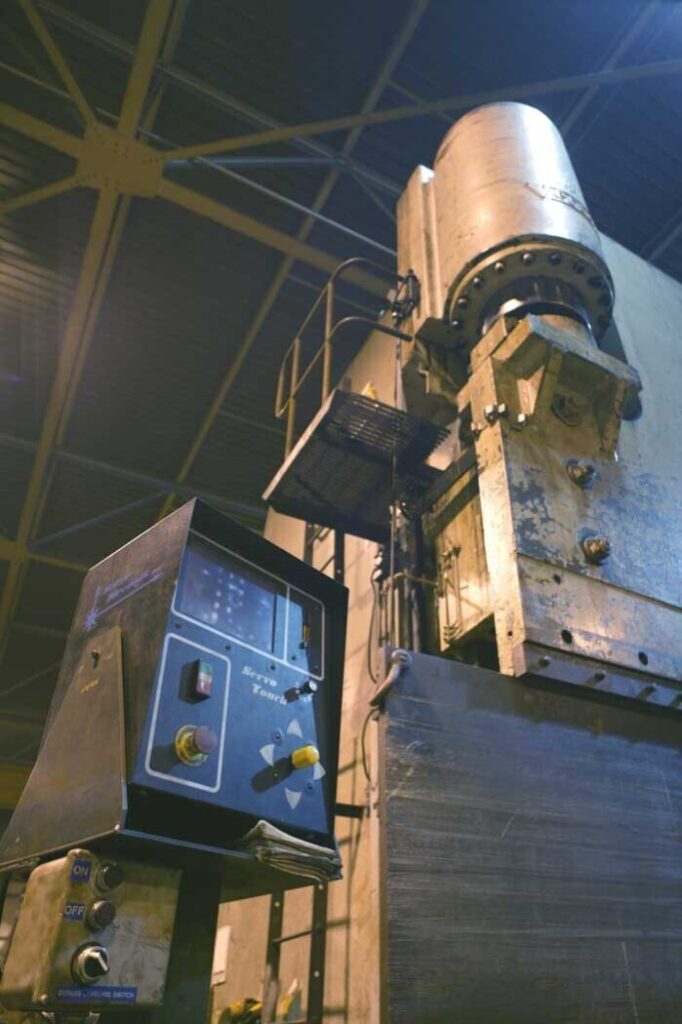
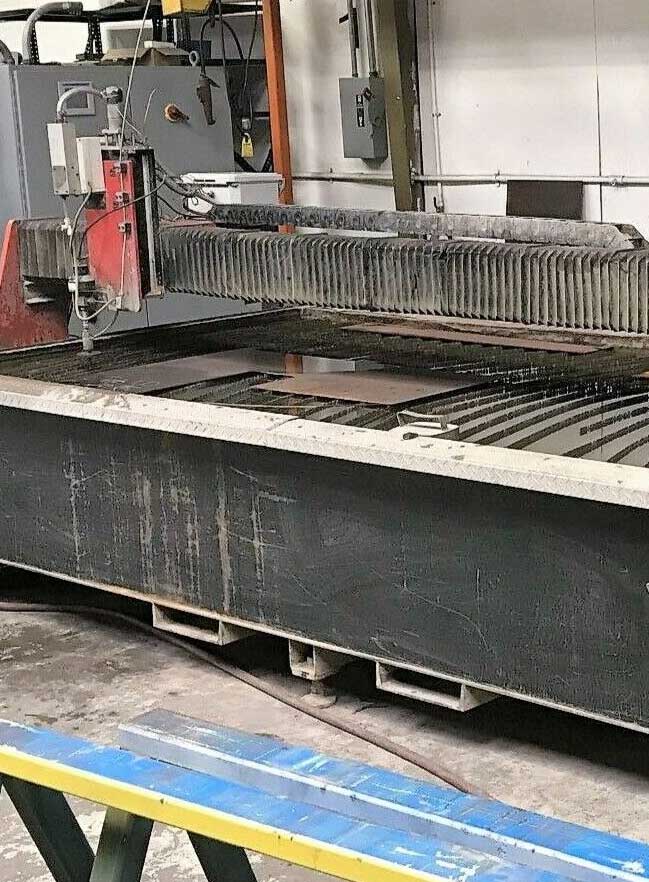
ServoMecanik's PC-based ServoTouch has been specially designed for plasma and oxyfuel
flame cutting, as well as router, water jet and laser machinery. As seen below, the
ServoTouch's graphic touch-screen gives the operator the flexibility to draw and
nest any shapes without prior knowledge of CAD software.
Key Benefits
- Easy to use - no need to hire specialized operators
- Graphical menus using a touch screen
- High definition 10.5" LCD screen
- Cost effective
- Reads standard G-code files and DXF files
- Edit / Create and modify any parts
- Manual and automatic operation
- No need for battery backup
- Support imperial and metric units
- Part nesting
- RS485 serial link for part upload/download (optionnal)
- Display part dimensions
- Manual nesting for leftover optimization
- Rotation / mirror of parts or nesting

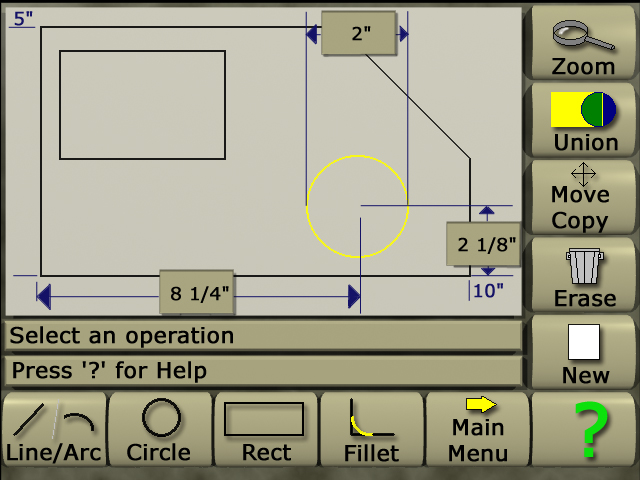
This figure shows how using simple commands (line, arc circle, rectangle), the operator
can create thousands of different shapes. These shapes can then be positioned on
the screen using simple joystick movements. As an examples, the diameter and center
position of a circle is shown here.

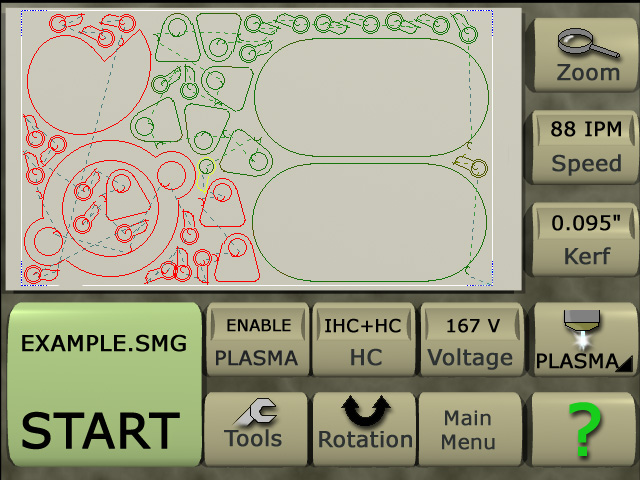
The nesting of shapes on a workpiece is made in an instant using ServoMecanik's ServoTouch
motion control. As shown here, you can choose to move, cope erase, rotate and set
the cutting order of shapes appearing in the nest. This exclusive and innovative
approach allows any shapes or DXF file to be used to optimize leftovers.

The last screen shows the execution menu, which lets the operator chose between oxy-fuel
or plasma to perform the cutting task. In the case, the plasma process has been chosen.
By pressing start, the ServoTouch motion control will ask the operator to enter an
approximate speed, kerf and starting position of the torch on the workpiece. This
process is simple and easy to learn, it makes the ServoTouch the State-of-the-art
of its category.